
How Do I Listen to Audiobooks on iPhone?
Introduction
Audiobooks transform the way we engage with stories, offering an easy way to enjoy books on the move. Your iPhone is an ideal device for this, enabling you to download, stream, and manage audiobooks effortlessly. This guide will help you set up and optimize your iPhone for a seamless audiobook experience.

Preparing Your iPhone for Audiobooks
Before you start your listening journey, it’s vital to set up your iPhone properly to ensure optimal performance. Updating your iOS and related apps will grant you access to the latest features.
- Update Your iOS and Apps: To get started, make sure your iPhone runs on the latest iOS version. Open Settings, tap General, then Software Update, and follow the prompts. Additionally, ensure apps like Apple Books and Audible are updated to their latest versions via the App Store.
Once you have updated your device, you can explore various apps designed for audiobook enthusiasts, each offering unique features.
Exploring Audiobook Apps for iPhone
Multiple audiobook apps are available on the iPhone, tailored to enhance your listening experience. Here are some popular options:
-
Introduction to Apple Books: Apple Books is pre-installed on most iPhones, providing a user-friendly platform for purchasing and playing audiobooks. You can browse the catalog, purchase titles, and download them directly for easy access.
-
Navigating Audible on Your iPhone: Audible, a leading service, offers an expansive library of audiobooks. Download the Audible app from the App Store, log in with your Amazon account, and explore curated collections and exclusive content.
-
Leveraging Libby and OverDrive for Free Audiobooks: For those who prefer borrowing, Libby and OverDrive offer excellent resources for accessing audiobooks through library memberships. Use your library card to borrow and download audiobooks directly to your iPhone.
With your app chosen, the next step involves purchasing and downloading audiobooks, ensuring your library is filled with the titles you love.
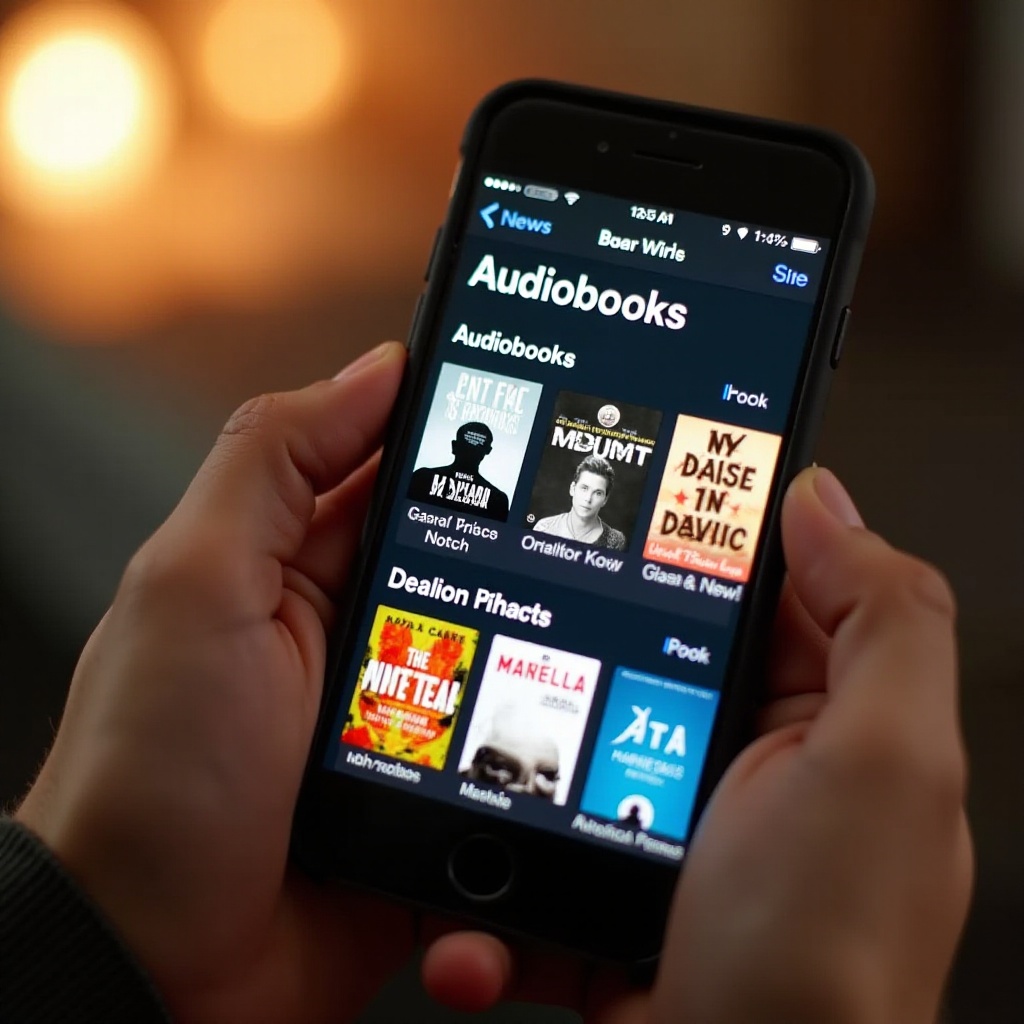
Purchasing and Downloading Audiobooks
Collecting audiobooks is a quick and straightforward process, thanks to the ease of purchasing and downloading from your selected apps.
- How to Buy Audiobooks on Apple Books:
- Open Apple Books and navigate the Audiobooks section.
- Tap on a title to view details, and select ‘Buy’ to purchase it.
-
Download the audiobook for offline enjoyment.
-
Using Audible for Audiobook Purchases:
- Open the Audible app and find your desired title.
- Make a purchase using Amazon credits or a linked payment method.
- Download the audiobook directly to your Audible library for easy access.
With a variety of titles at your disposal, organizing your audiobook collection enhances your listening experience even further.
Managing and Organizing Your Audiobook Library
As your audiobook library grows, keeping it well-organized can enhance accessibility and ease of use. Use these tips for efficient management:
-
Creating Playlists and Collections: Group audiobooks by genre, author, or personal preference into playlists or collections within your chosen app. This organization simplifies navigation.
-
Using Siri for Audiobook Control: Use Siri to control playback hands-free. Commands like ‘Hey Siri, play my latest audiobook’ offer easy access without manual navigation.
While efficient management streamlines access, additional methods exist to amplify your audiobook interaction and enjoyment.
Enhancing Your Audiobook Listening Experience
You can enhance your audiobook experience by optimizing both playback settings and listening accessories.
-
Adjusting Playback Speed and Other Features: Tailor playback speed to your preference. Whether you’re hurrying through a book or savoring every detail, speed adjustments can be made via app settings.
-
Best Headphones and Accessories for Audiobooks: Invest in quality headphones or earbuds to elevate your listening experience. Consider noise-canceling options to block external sounds, and choose models with integrated playback controls for ease of use.
Despite sophisticated technology, technical hiccups can occasionally occur. Knowing how to troubleshoot these issues is crucial for maintaining an enjoyable audiobook session.
Troubleshooting Common Audiobook Issues
Technical issues might arise while using audiobook apps, but these can be swiftly resolved with the right approach.
-
Download Problems and Solutions: If downloads stall, check your internet connection or restart the app. Persistent issues may require app reinstallation or clearing the cache via settings.
-
Playback Issues and Fixes: For audio playback disruptions, refresh the app or restart your device. Reviewing app settings and ensuring software is up to date can also help address these problems.
Successfully resolving these issues ensures your audiobook experience remains smooth and uninterrupted. To wrap up, we provide a concise summary and address common questions through a helpful FAQ section.
Frequently Asked Questions
How can I listen to audiobooks on my iPhone without Wi-Fi?
Download your audiobooks for offline listening by ensuring each title is saved to your device.
Is there a way to share audiobooks between family members on iPhone?
Use Family Sharing with Apple Books or Audible’s Send This Book feature to share titles.
How do I return a borrowed audiobook on Libby or OverDrive?
Open the Loans section in the app, select the book, and tap ‘Return’ to make it available for others.