
Troubleshooting Guide: What to Do When Your PS5 Won’t Turn Off
Introduction
The PlayStation 5 is a prominent name in the gaming industry, renowned for its remarkable performance and graphics capabilities. However, users often face a curious issue: their PS5 won’t turn off. This might seem trivial, but it can lead to overheating and potential damage without prompt action. Understanding why this happens and how to fix it is crucial to keep your console in prime condition.

Understanding the Problem: Why Your PS5 Won’t Turn Off
When you encounter a PS5 that refuses to power down, you may be dealing with various underlying issues. Software glitches are often the main culprits, stemming from system software bugs or issues with specific games running in the background. Ignoring this problem poses risks such as overheating the console or experiencing data corruption, potentially leading to more significant issues. Gaining insight into the causes and risks helps guide your troubleshooting efforts effectively.
Basic Troubleshooting Steps
Before embarking on complex solutions, start with basic troubleshooting steps which often resolve common problems:
1. Checking for System Updates: Ensure your system firmware is updated. Sony frequently releases updates to address bugs and improve performance. Navigate to ‘Settings’ > ‘System’ > ‘System Software’ > ‘System Software Update’.
2. Restarting in Safe Mode: Safe Mode allows the PS5 to start with minimal software hindrances, helping address various issues. To enter Safe Mode, turn off the PS5 completely, hold the power button until the second beep, connect your controller via USB, and select ‘Restart’.
3. Disconnecting and Reconnecting Cables: Ensure all connections are tight, as loose or faulty cables may interfere with shutting down the console. Unplug the HDMI and power cables, wait a few seconds, and reconnect them before trying to turn off the PS5 again.
These fundamental steps are vital for diagnosing or dismissing simpler causes of the issue. If these initial solutions are unsuccessful, advanced troubleshooting techniques are the next step.
Advanced Troubleshooting Techniques
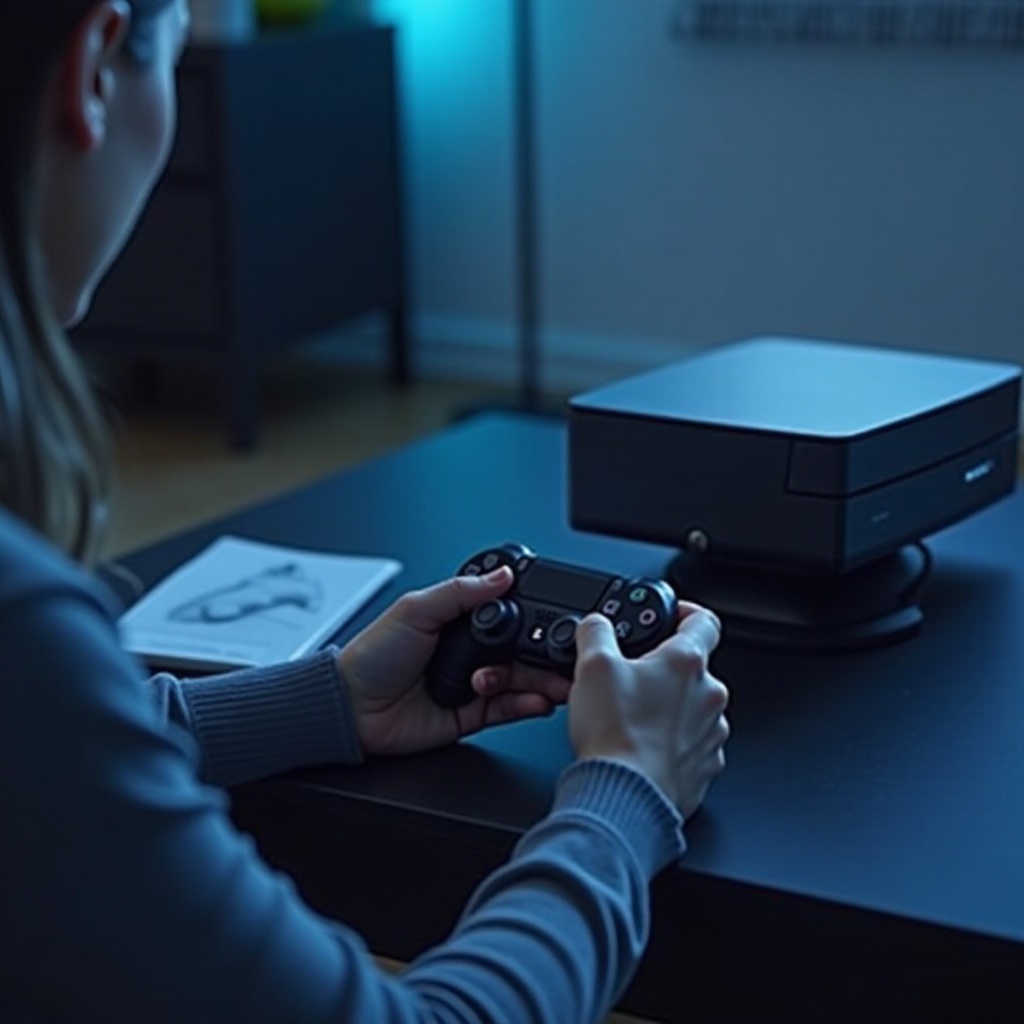
For persistent PS5 power-off issues, employ more in-depth strategies:
1. Soft Resetting the Console: A soft reset can clear temporary software glitches while preserving your data. Press the power button until two beeps are heard, then restart the console normally.
2. Using the Power Button on the Console: Forcing a shutdown using the console’s power button is another option. Press and hold the power button until you hear two beeps, then release.
3. Rebuild Database Option: Rebuilding the database can address major glitches by optimizing your system’s storage. Boot the console in Safe Mode, then select ‘Rebuild Database.’ This process reorganizes the disk drive without affecting saved data.
With these advanced solutions, even the most stubborn shutdown issues can be tackled, securing uninterrupted gaming sessions. Implement these techniques as outlined to maximize your console’s performance.
Preventive Measures for Future Issues
Prevention plays a central role in keeping your PS5 healthy and sidestepping future power-off problems. Embrace these preventive strategies:
– Regular System Updates: Ensure your system is always updated with the latest patches to avert bugs that might cause power issues.
– Ensuring Proper Ventilation: Overheating is a common trigger for shutdown failures. Position your PS5 in a well-ventilated space, free from dust buildup, to maintain optimal performance.
– Avoiding Forced Shutdowns: Regularly forcing your PS5 to power down may cause more problems over time. Always aim for standard shutdown procedures to sustain your console’s health.
By proactively applying these measures, you substantially lessen the chances of encountering power problems again. If issues continue despite prevention, consider seeking professional assistance.
When to Seek Professional Help
While most problems can be resolved at home, persistent issues may need professional repair. If none of the troubleshooting methods are successful, or if a hardware malfunction is suspected, professional assistance is necessary. Use your warranty for coverage if applicable and contact Sony’s customer service for support. Professional intervention can save your console from severe damage, ensuring its continued optimum functionality.

Conclusion
Diagnosing and fixing PS5 power-off issues is vital for consistent gaming experiences and the longevity of your console. Regular maintenance, timely updates, and immediate response to problems are keys to preserving your PS5’s health. When complications persist, professional help can deliver effective solutions.
Frequently Asked Questions
What should I do if my PS5 refuses to shut down after updates?
Ensure the update process is completed. If the problem persists, perform a soft reset or boot into Safe Mode and rebuild the database.
Can power supply issues cause my PS5 to not turn off?
Yes, problems with power supply connections can impact your console’s ability to shut down. Check and secure all connections.
Is it safe to manually unplug my PS5 if it won’t turn off?
Only do so as a final measure. Frequent forced disconnections can damage the console. Try soft reset or Safe Mode options first.