
How to Fix an iPhone Headphone Port Not Working in 2024
Introduction
Experiencing issues with your iPhone’s headphone port can be frustrating. There are few things more disappointing than finding your earbuds provide no sound. Luckily, these problems are usually easy to fix. This guide provides practical steps for diagnosing and resolving iPhone headphone port issues in 2024.
Understanding the iPhone Headphone Port
The headphone port has long been a fundamental component of iPhones, but its evolution has seen changes in functionality. While newer models favor lightning connectors or wireless options, many users rely on traditional headphone ports and face issues like:
- No sound
- Sound in only one ear
- Crackling or static noises
Knowing what causes these issues, whether hardware damage or software glitches, is essential for effective troubleshooting.
Quick Diagnoses: Identifying Symptoms
Pinpointing the exact problem is crucial before diving into fixes. Identifying symptoms helps determine if the issue is hardware-related or software-related:
- No audio or partial sound indicates a potential port blockage or a software conflict.
- Static noises might point to physical damage or debris inside the port.
- Intermittent connectivity often results from dirty connections or loose jacks.
Understand these symptoms to help select the best troubleshooting approach.
Basic Troubleshooting Steps
With symptoms identified, begin with basic troubleshooting to fix the problem:
-
Restart Your iPhone: A restart can resolve many software-related issues. Press and hold the power button, then slide to power off. After a few seconds, turn your device back on.
-
Check Headphone Compatibility: Make sure your headphones are compatible with your iPhone model. Not all headphones function correctly with all versions of iPhones.
-
Test Headphones with Another Device: Plug your headphones into another device to verify if the issue lies with the headphones themselves or your iPhone.
These initial steps can often resolve minor issues.
Advanced Troubleshooting Techniques
If the basics don’t work, try more advanced techniques:
-
Clean Headphone Port Carefully: Dust and lint can plug the port. Use a small brush or compressed air to clean it gently. Avoid using sharp objects to prevent damage.
-
Update iOS for Fixes: Software updates can resolve bugs causing audio problems. Go to Settings > General > Software Update, and make sure your device uses the latest iOS version.
-
Reset All iPhone Settings: Restoring default settings can fix conflicts. Navigate to Settings > General > Reset > Reset All Settings. This action won’t erase your data but will restore system defaults.
These careful approaches can solve more persistent issues.
When to Seek Professional Repair
Sometimes, professional repair is the best path forward. Consider this if:
- Audio issues persist despite troubleshooting efforts
- Physical damage to the port is visible, like bent or broken connectors
- Static noises continue even after cleaning
Seek expert assistance to address deeper hardware issues. If your iPhone is under warranty or AppleCare, contacting Apple may be advisable. They provide support and repairs, potentially offering a cost-effective solution.
Future-Proofing Your Audio Experience
To avoid future issues, consider upgrading your audio setup:
-
Wireless Solutions: Switching to wireless headphones can eliminate port-related problems entirely, providing a smoother audio experience.
-
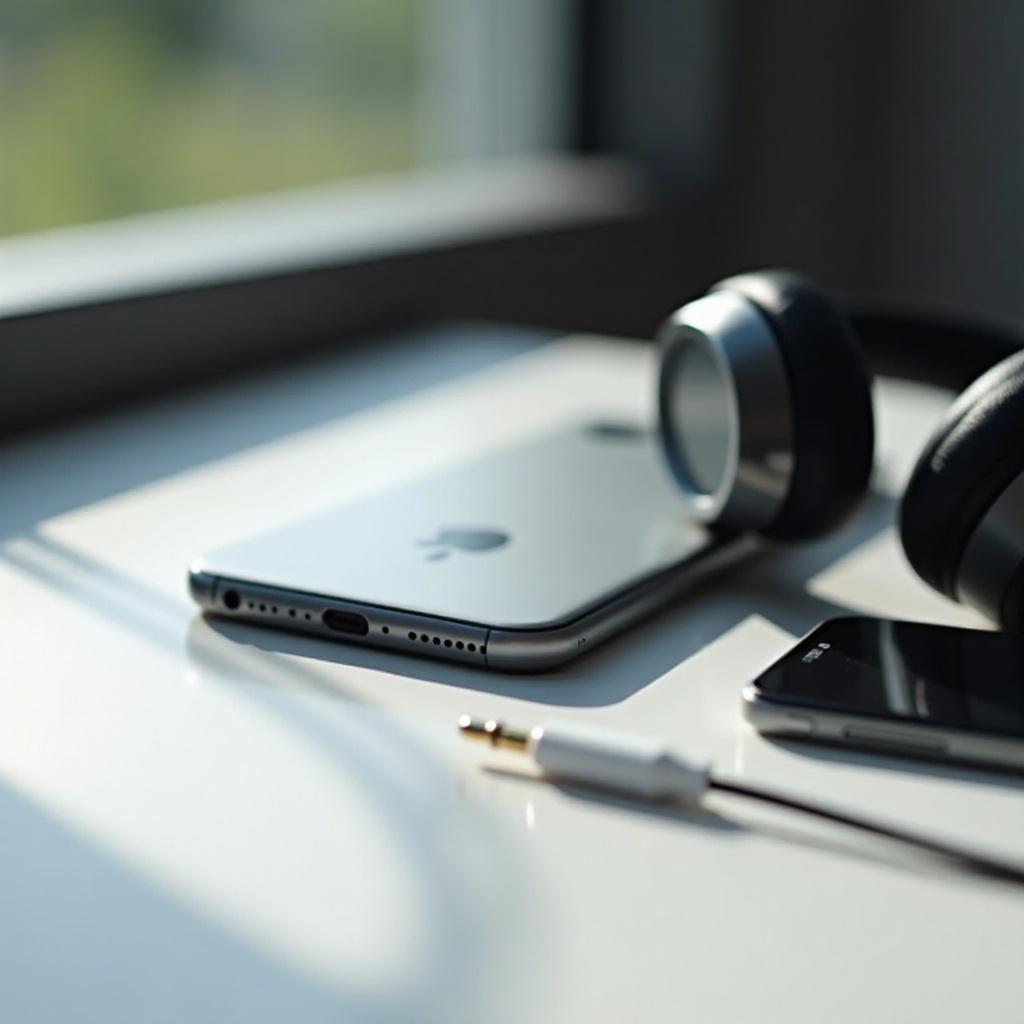
Dongles and Adapters: High-quality adapters can convert lightning connectors to standard headphone jacks for continued use.
These solutions not only prevent common problems but also align with technological advances to enhance your listening experience.
Conclusion
To sum up, resolving iPhone headphone port issues involves identifying symptoms, applying appropriate fixes, and knowing when professional help is required. As technology advances, embracing wireless solutions provides consistent audio quality, keeping you aligned with modern developments.
Frequently Asked Questions
Why does my iPhone only play audio in one ear?
This could result from a faulty headphone connection or debris in the port. Ensure the headphones are intact and the port is clean.
Can a software update fix my headphone port issue?
Yes, software updates often include bug fixes that can resolve audio issues. Always keep your iOS up-to-date.
How can I clean the iPhone headphone port without damaging it?
Use compressed air or a soft-bristled brush to remove debris without scratching the inside of the port. Avoid using sharp objects.