
Xbox One Powers On Then Off: Comprehensive Troubleshooting Guide
Introduction
Experiencing a situation where your Xbox One turns on and then off immediately can easily disrupt your gaming sessions. This problem, while common, can typically be traced back to a few key elements that require attention. By understanding the potential causes and following a structured troubleshooting approach, you can get your Xbox One back to functioning normally. This guide will provide detailed solutions to address and rectify these power issues.
Understanding the Xbox One Power Issue
Your Xbox One’s unexpected shutdown shortly after powering on often signals an underlying issue. To effectively troubleshoot, it’s crucial to understand what might be causing this. The console consists of various components working in harmony, and a fault in any one of these can trigger the power-on power-off cycle. Whether it’s a simple issue like a loose connection or more complex hardware problems, identifying the root cause is key to resolving the issue and restoring your gaming system to its full performance.
Common Causes of Xbox One Power Problems
Identifying the common causes of these sudden shutdowns helps streamline the troubleshooting process.
-
Power Supply Issues: The power supply unit may be malfunctioning. Frequent power surges can damage the power brick, impacting consistent power flow.
-
Hardware Failures: Internal hardware components, such as the motherboard, may be worn out or damaged, affecting the console’s functionality.
-
Software Glitches: Sometimes, software updates lead to glitches, causing the console to turn off unexpectedly. Corrupted files or incomplete updates might also interfere with operation.
Understanding these common causes will make it easier to tackle the problem with a logical plan, thus improving your chances of quickly getting back to gaming.
Step-by-Step Troubleshooting Guide
After identifying possible causes, here are steps to diagnose and fix the problem.
-
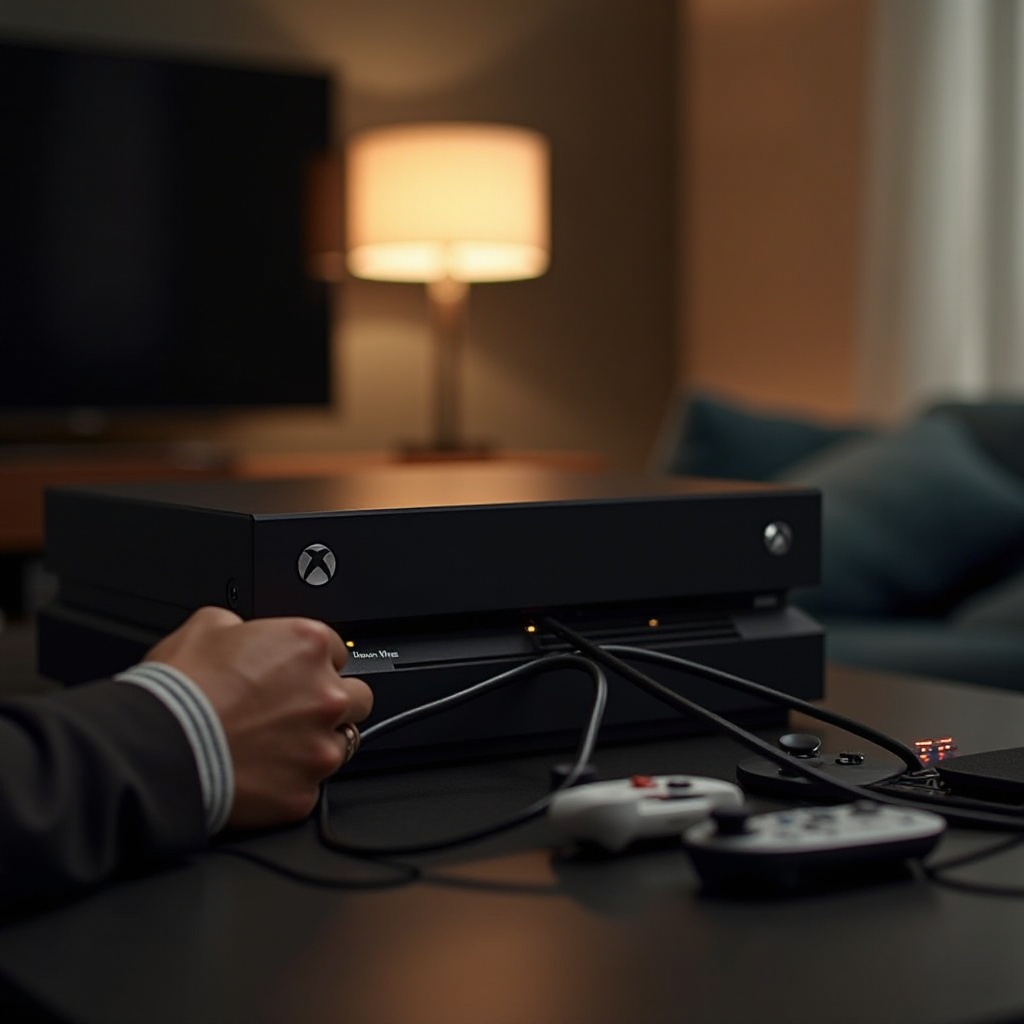
Checking Power Cable Connections: Make sure all cables are firmly connected. A loose connection could lead to an intermittent power supply.
-
Testing Different Power Outlets: Try plugging the console into different outlets. Sometimes, a specific socket may be the source of inconsistent power flow.
-
Using the Xbox One Power Brick LED Indicator: Watch the LED on the power brick. An amber light instead of solid white could indicate a faulty power brick.
With these checks, you should determine if the issue lies with the power supply or connection basics.
Advanced Solutions for Persistent Issues
If basic troubleshooting doesn’t solve the problem, consider these advanced options.
-
Resetting the Internal Power Supply: Unplug the power cord from the console, wait for at least 10 seconds, then reconnect. This can reset the internal power supply, potentially resolving the issue.
-
Testing with a Different Power Supply: If accessible, try a different power supply unit to see if the problem continues. If resolved, the original power supply likely needs replacement.
-
Checking for Overheating Problems: Ensure your console is in a well-ventilated space. Overheating can cause automatic shutdowns as a protective measure.
Progressing from basic troubleshooting to these advanced methods often resolves the persistent power cycle problem, keeping your Xbox One running smoothly.
When to Contact a Professional
After attempting all troubleshooting methods, if your Xbox One still powers off quickly, professional help might be necessary.
-
Signs of Hardware Failure: Unusual noises or physical damage can indicate a hardware failure, necessitating expert assessment.
-
Warranty and Service Options: Check whether your Xbox One is still under warranty. If so, Microsoft support or authorized service centers can assist with repairs or replacements.
Seeking professional help ensures a thorough examination and proper resolution of any critical hardware issues, bringing peace of mind and enhanced gaming compatibility.
Conclusion
By following this troubleshooting guide, you can resolve the Xbox One power cycle issue effectively. From identifying causes to advanced troubleshooting steps, these actions should have your console functioning again. With preventive measures and maintenance, gaming interruptions will become a thing of the past.
Frequently Asked Questions
Why does my Xbox One turn off immediately after turning it on?
This issue can occur due to a faulty power supply, loose connections, or internal hardware failure.
How can I prevent my Xbox One from overheating?
Ensure good ventilation around the console, clean any dust regularly, and avoid playing on surfaces that block airflow.
Should I repair or replace my Xbox One if it won’t stay on?
Assess the repair costs versus purchasing a new console. If under warranty, repair is often the best choice.