
How to Take Apart PS4: A Comprehensive Guide for 2024
Introduction
Taking apart your PlayStation 4 (PS4) can be an empowering task, allowing you to maintain, upgrade, or repair your console. A hands-on approach not only extends your device’s lifespan but also enhances your understanding of its components. This guide provides a detailed walkthrough on how to disassemble your PS4 safely and effectively.
Essential Tools and Setup
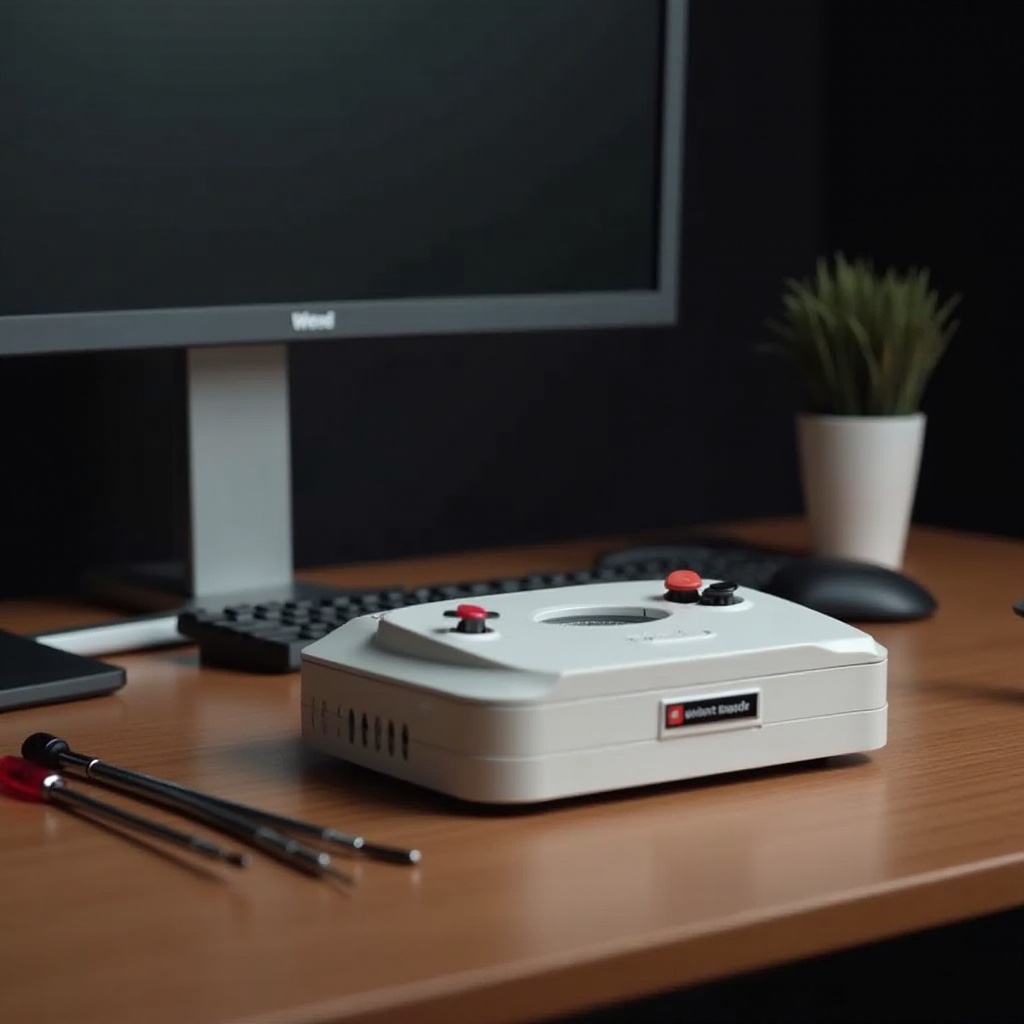
Before venturing into the disassembly, prepare yourself with the required tools and setup. Proper preparation lays the groundwork for a smooth disassembly process, minimizing risks and ensuring efficiency.
- Tools You’ll Need:
- Phillips head screwdriver
- Security Torx screwdriver
- Plastic prying tool
-
A clean, static-free workspace
-
Prepare Your Workspace:
- Use a large, flat surface.
- Ensure the area is free from static electricity.
- Keep small containers nearby to organize screws and components.
With your setup complete, we’re ready to remove the outer shell.
Removing the Outer Shell
The outer shell of the PS4 is designed to protect its delicate internals. Proper removal is crucial to avoid damage.
- Power Off and Unplug: Ensure the PS4 is completely powered off and unplugged from any power sources.
- Access the Screws: Locate the screws on the back of the PS4 and use the security Torx screwdriver to remove them.
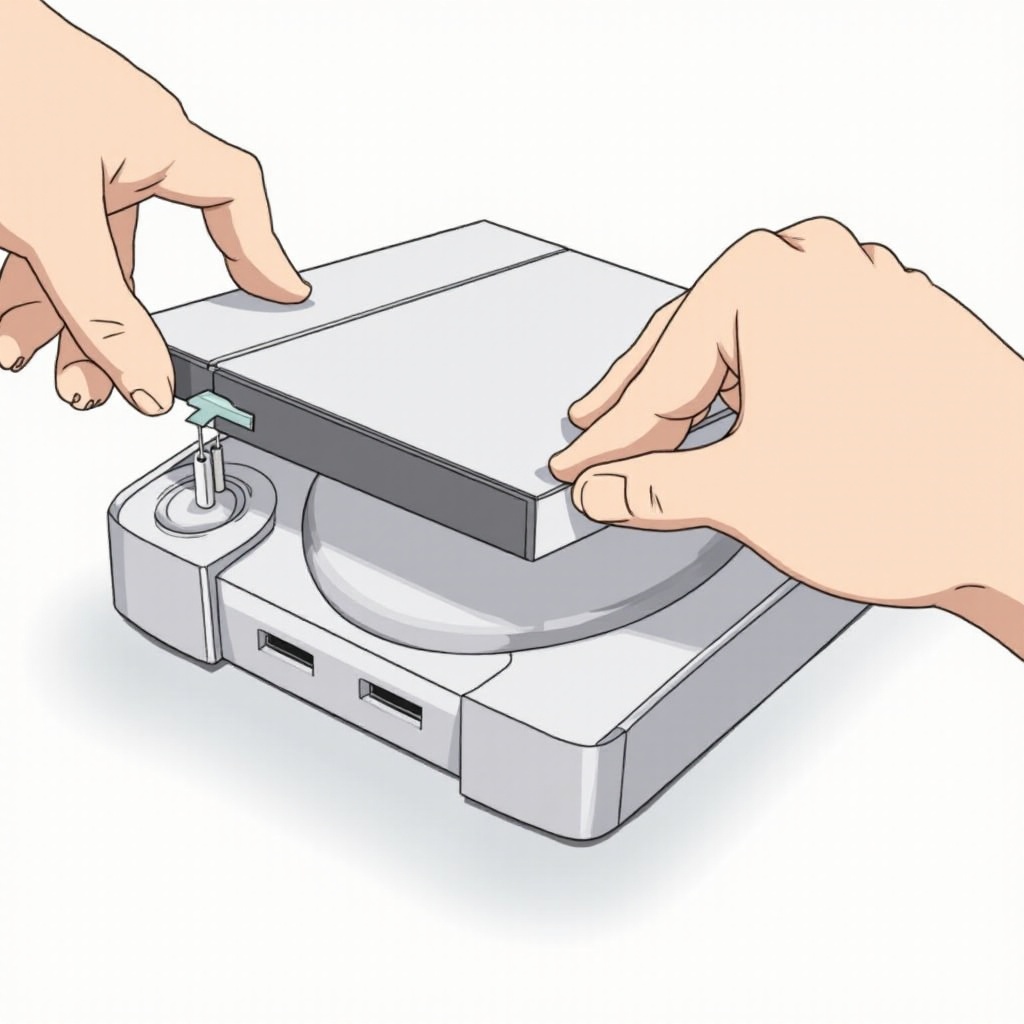
- Pry the Shell Apart: Using a plastic prying tool, gently separate the top cover from the body of the console.
Once the shell is off, you have access to the hard drive, which is the next component to focus on.
Detaching the Hard Drive
The PS4’s hard drive is a vital component, easily accessible and replaceable during disassembly.
- Locate the Hard Drive Bay: It is usually secured with a Phillips head screw.
- Remove the Screw: Unscrew the single Phillips head screw securing the hard drive bracket.
- Slide Out the Hard Drive: Gently pull the hard drive to detach it from the PS4.
As the hard drive sits safely aside, we progress to access more complex internal components.
Accessing Internal Components
Delving deeper into the PS4 reveals intricate parts that require careful handling for effective cleaning or replacement.
- Unplugging Cables: Start by unplugging any visible cables connecting to the motherboard.
- Removing the Power Supply: Locate and unscrew the screws securing the power supply unit. Detach the cables carefully.
- Detaching the Motherboard: Unscrew the screws around the motherboard’s edges. Handle the mainboard with care to prevent any static damage.
With these components removed, cleaning becomes the priority to ensure optimal system performance.
Cleaning and Maintenance Tips
Regular cleaning maintains the PS4’s performance by preventing dust accumulation and overheating.
- Cleaning the Cooling System: Focus on the fan and heat sinks. Use canned air to blow out dust, ensuring components are dust-free.
- Dust and Debris Removal Techniques: Use soft brushes or cotton swabs for cleaning smaller parts.
After cleaning, it’s time to reassemble your PS4, ensuring each part is securely and correctly placed.
Reassembly Process
Reassembling the PS4 is the reverse of disassembly. Precision is key to avoid damage and ensure all connections are intact.
- Reconnect the Cables: Start by reconnecting the motherboard and internal components.
- Reinstall the Power Supply: Secure it with screws and attach all necessary cables.
- Slide Back the Hard Drive: Secure it properly with the Phillips head screw.
- Reattach the Outer Shell: Snap the top cover back in place and fasten it with the screws.
After reassembly, power up the PS4 to check for any operational issues. Address any concerns promptly.
Conclusion
Successfully disassembling and reassembling your PS4 not only ensures its longevity but also enhances its performance through regular maintenance. Familiarity with internal components aids in proactive upkeep, creating a seamless gaming experience.
Frequently Asked Questions
Is taking apart my PS4 safe?
Yes, it’s safe with the correct tools and procedures, though it may void the warranty if opened improperly.
How often should I clean my PS4?
It’s recommended to clean your PS4 every six months to prevent dust build-up and ensure efficient performance.
Can I upgrade my PS4 during disassembly?
Yes, disassembly is an opportunity to upgrade components like the hard drive, but ensure compatibility before purchasing new parts.