
How to Remove Water from Inside Phone Screen
Introduction
Discovering water inside your phone screen can be alarming. Smartphones are essential to our daily lives, and water damage can lead to more than just inconveniences; it may result in data loss or costly repairs. Fast action is crucial to minimize the impact and preserve your device. This guide explores effective techniques to remove water from inside your phone screen, ensuring you can maintain both functionality and longevity.
Understanding the Water Damage Problem
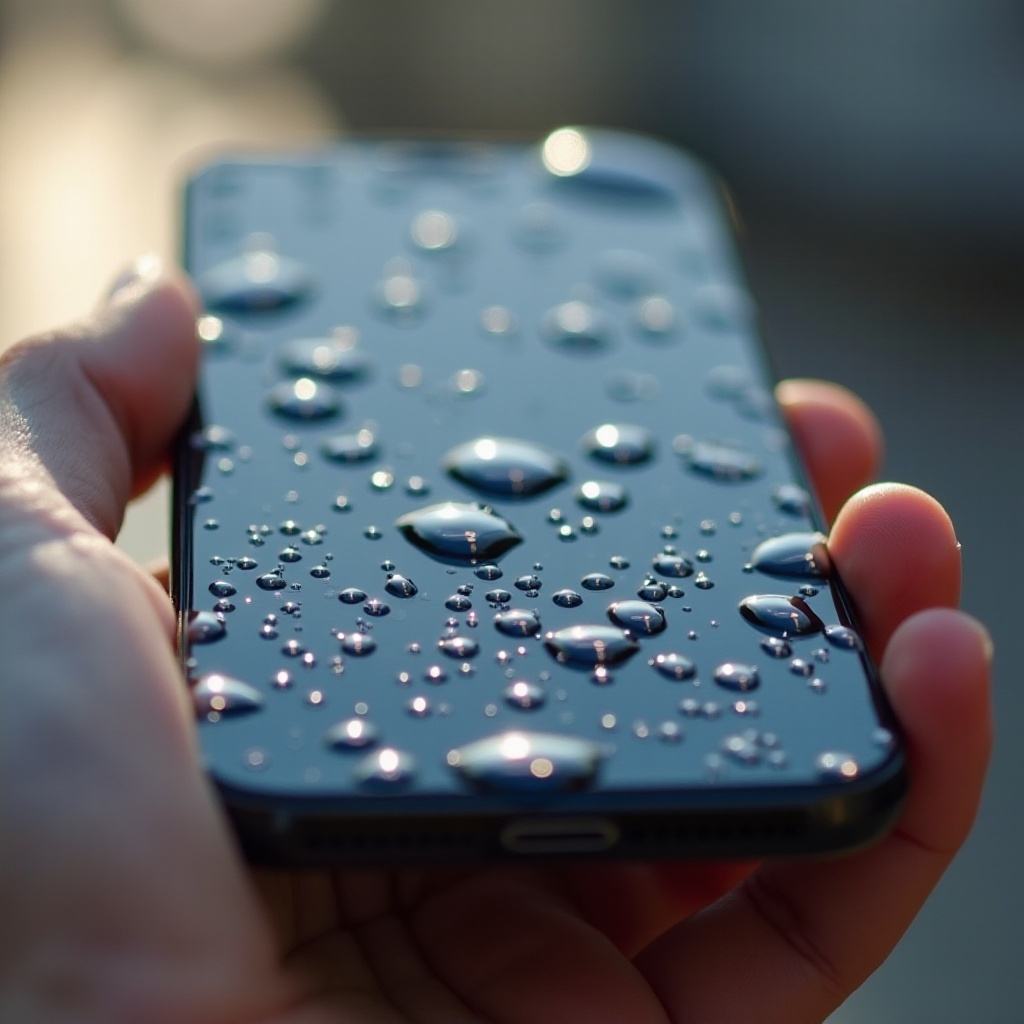
Water can seep into phone screens through various pathways. Whether your device has been dropped in water or exposed to heavy rain, understanding the mechanisms of water entry is vital for addressing and preventing further issues.
- How Water Enters the Phone Screen: Liquids usually infiltrate a phone through openings like charging ports, headphone jacks, or compromised seals. Recognizing these entry points is key to prevention.
- Risks of Water Damage: Beyond impairing display functions, water can damage internal circuitry, leading to irreversible harm. Immediate actions can differentiate between simple fixes and extensive repairs.
Grasping the seriousness of water damage highlights the importance of the next essential steps to prevent further deterioration.
Immediate Steps to Take
When your phone is exposed to water, quick actions are necessary to reduce potential harm.
- Power Off the Device: Immediately turn off your phone to prevent electrical shorts that could damage the hardware.
- External Drying Techniques: Gently use a soft, absorbent cloth to pat the exterior dry, focusing on ports and screen edges to stop more water from seeping inside.
These initial steps stabilize the situation, allowing you to proceed with more comprehensive drying methods.
DIY Methods to Remove Water
Several do-it-yourself approaches can be effective after executing initial drying steps:
- The Rice Method: Place your phone in a bowl of uncooked rice for 24-48 hours as rice draws moisture from the device.
- Using Silica Gel Packets: These packets are more efficient than rice and should be spread around your phone inside an airtight container to absorb moisture.
- Vacuum Method: A small vacuum cleaner can be used on low power to gently extract moisture, but it requires caution to avoid generating static electricity.
After attempting these DIY methods, it’s crucial to monitor your phone’s performance to decide if further advanced techniques are necessary.
Advanced Techniques
If basic methods fail, consider advanced techniques for persistent cases:
- Dehumidifier Setup: Position your device in a confined space with an operating dehumidifier to enhance moisture removal.
- Safe Disassembly of Phone: For those familiar with electronics, carefully disassemble the phone following online guides to allow components to air dry. Caution is needed to avoid voiding warranties or causing additional damage.
These advanced techniques demand more technical skills but can be more effective for severe cases of water damage.
When to Seek Professional Help
In some instances, you may need professional assistance:
- Identifying Serious Water Damage: If your screen displays oddities or refuses to turn on after drying, deeper issues may be the cause.
- Benefits of Professional Repair: Expert technicians can address problems beyond external measures. Professional intervention can save you from prolonged repair costs and protect sensitive data.
After addressing the immediate water damage, explore preventive measures to guard against future incidents.
Prevention Tips
Preventing future water damage safeguards your phone’s longevity and reliability:
- Protective Gear for Phones: Invest in quality waterproof cases or skins specifically designed for your phone model to shield against water exposure.
- Maintenance to Avoid Future Damage: Regular inspections of seals and port covers can preempt water ingress. Also, avoiding water-prone environments, like bathrooms, reduces the risk of incidents.
By incorporating preventive strategies, you bolster your device’s defenses against potential water-related mishaps.
Conclusion
Quick action to remove water from your phone screen is essential to mitigate damage and preserve your device’s lifespan. Employing both immediate and advanced techniques, along with preventive measures, ensures a comprehensive approach. When in doubt, professional advice provides a reliable backup for complex scenarios.
Frequently Asked Questions
Can I use a hairdryer to dry my phone?
Using a hairdryer is not recommended. Heat can damage internal components and push moisture further inside.
How long should I leave my phone in rice?
It’s advisable to leave your phone in rice for 24-48 hours to allow moisture absorption.
Is it safe to use isopropyl alcohol to dry my phone?
Isopropyl alcohol can be used cautiously on disassembled circuits but should be applied carefully to avoid damage.