
How to Buy Storage for iPad in 2024
Introduction
Ensuring your iPad has adequate storage is essential for maintaining its efficiency and performance. With iPads becoming more integral to both professional and personal tasks, the increase in usage often leads to storage limitations. This can hinder the device’s functionality. In this guide, we’ll explore how to effectively buy and manage iPad storage in 2024, so you can make informed decisions that suit your needs.
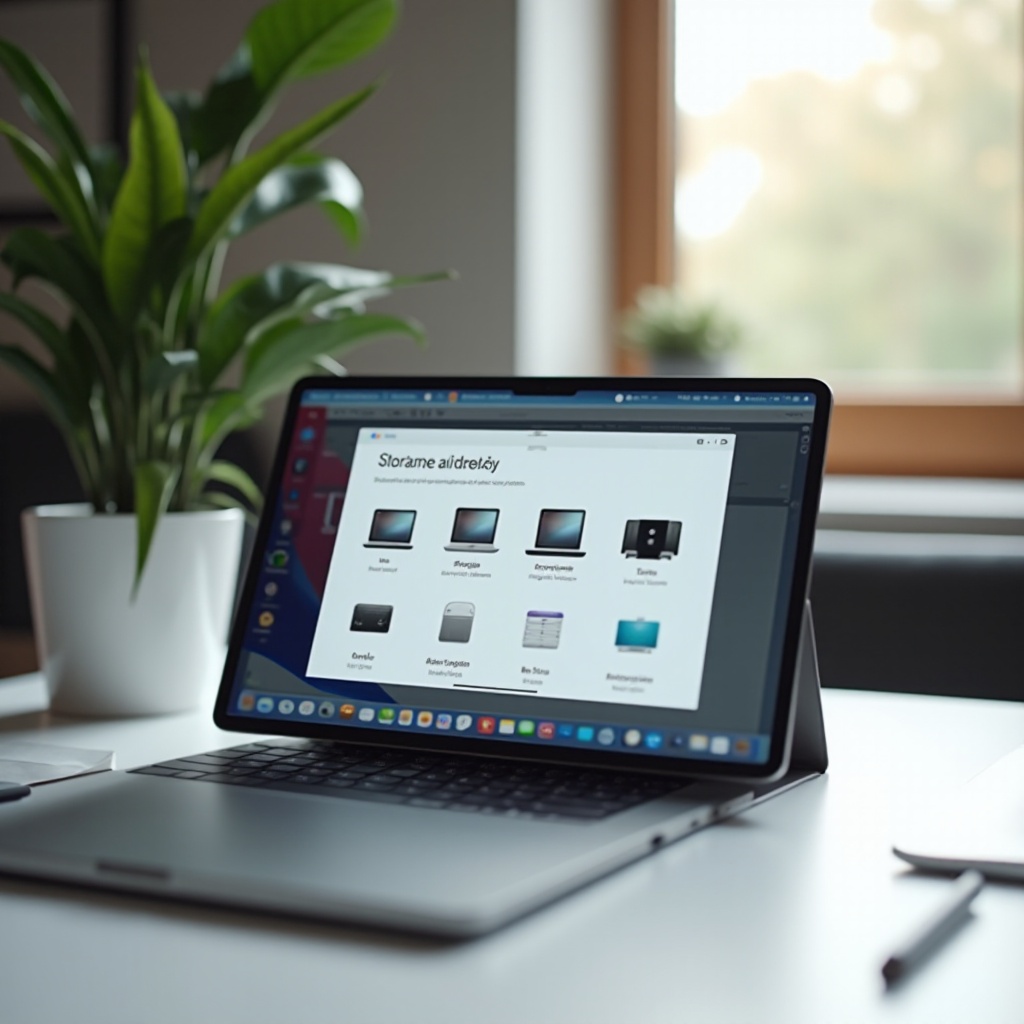
Understanding iPad Storage Options
Before diving into purchasing more storage, it’s important to grasp the storage options available for iPads. This understanding will guide your decision between built-in storage and external solutions.
Built-in Storage Capacities
iPads come with a range of built-in storage options, typically from 64GB to 1TB. Choosing the right capacity during purchase is crucial because once selected, it cannot be altered. Consider your usage habits. Are you a casual user or do you heavily rely on apps, videos, and documents? Larger built-in storage is beneficial for many, but it comes with a higher cost.
External Storage Solutions
If you’re already using your iPad and need immediate storage expansion, external solutions can be handy without requiring a device replacement. External storage expands your capabilities, offering flexibility and ease of access.
Transitioning from understanding your options leads to determining what suits your unique requirements.
Choosing the Right Storage Based on Your Needs
Deciding on the right storage solution involves assessing your usage patterns. Users have different needs based on how their device fits into their daily activities.
Casual Users versus Professional Users
Casual users who mainly browse the web and stream content can usually manage with smaller storage. In contrast, professionals using high-performance apps for tasks like design or video editing may need more storage space, making built-in 512GB or 1TB preferable.
Gamers and Multimedia Consumers
Gamers and heavy multimedia consumers should consider more substantial storage. High-definition media files and graphics-intensive games quickly consume space. A combination of larger built-in storage and external options often works best here.
As you’ve identified your needs, the next step is exploring the various external storage solutions available.

Types of External Storage Solutions for iPad
Once you’ve pinpointed your requirements, you can investigate external storage solutions that provide versatility and convenience for expanding your iPad’s capacity.
Cloud Storage Services
Cloud storage is a popular choice due to its scalability. Services like iCloud, Google Drive, and Dropbox offer storage off the device, freeing up space but requiring internet access for retrieval.
External Drives and USB Devices
External drives or USB-compatible adapters that connect directly to the iPad provide fast and reliable access to large files. Options, including flash drives and portable SSDs, offer substantial extra space.
Wireless Storage Accessories
For those who prefer no physical connections, wireless storage solutions deliver freedom. Devices like wireless hard drives connect over Wi-Fi, enabling seamless file transfers across multiple devices.
After understanding the options, it’s vital to weigh other purchasing factors.
Factors to Consider When Purchasing Storage
Selecting the ideal storage isn’t just about capacity. Several considerations can influence your choice, affecting convenience and cost.
Budget and Cost-Effectiveness
Assess your budget carefully. While built-in storage offers the best convenience, it’s often more expensive. External drives or cloud solutions might provide greater cost-effectiveness over time. Weigh the costs against your long-term needs to make a balanced decision.
Portability and Convenience
Portability is key for on-the-go professionals. External drives should be lightweight and easy to carry without compromising on capacity. Wireless options may offer added convenience by eliminating cables.
Even with ample storage, managing it efficiently ensures smooth operation for the long term.

Tips for Managing Existing Storage on Your iPad
Efficiently managing storage is as crucial as having it. Good practices can extend the life of your available space.
Regular Backups and Cleaning Up Space
Perform regular backups to maintain device performance. Use iCloud for managing backups and routinely delete or offload apps and files that aren’t in use.
Utilizing Storage Management Apps
Take advantage of apps designed to analyze and optimize storage usage. These tools can help you monitor storage and receive recommendations for freeing up space effectively.
In conclusion, understanding your specific needs and exploring both built-in and external storage options will help you make the best choice for your iPad.
Frequently Asked Questions
How much storage do I need for an iPad?
Your storage needs vary based on usage. Casual users might be fine with 64GB, while professionals or avid gamers may need 512GB or more.
Can I expand my iPad storage after purchasing?
While built-in storage cannot be expanded post-purchase, you can use external drives or cloud services for additional space.
What are the security concerns with cloud storage?
Cloud storage security varies by provider. Ensure encryption and strong passwords, and be cautious of sharing sensitive files online.