
What to Do When Your Headphone Socket is Broken: A Comprehensive Guide
Introduction
A broken headphone socket can disrupt your daily routine, preventing you from enjoying music or participating in calls. This guide launches into exploring the causes of these issues, DIY troubleshooting methods, and the professional help options available. We also offer insights into preventive measures and address frequently asked questions. Whether headphones are a part of your work setup, entertainment, or fitness routine, maintaining their sockets is essential for a seamless experience.
Understanding the Problem
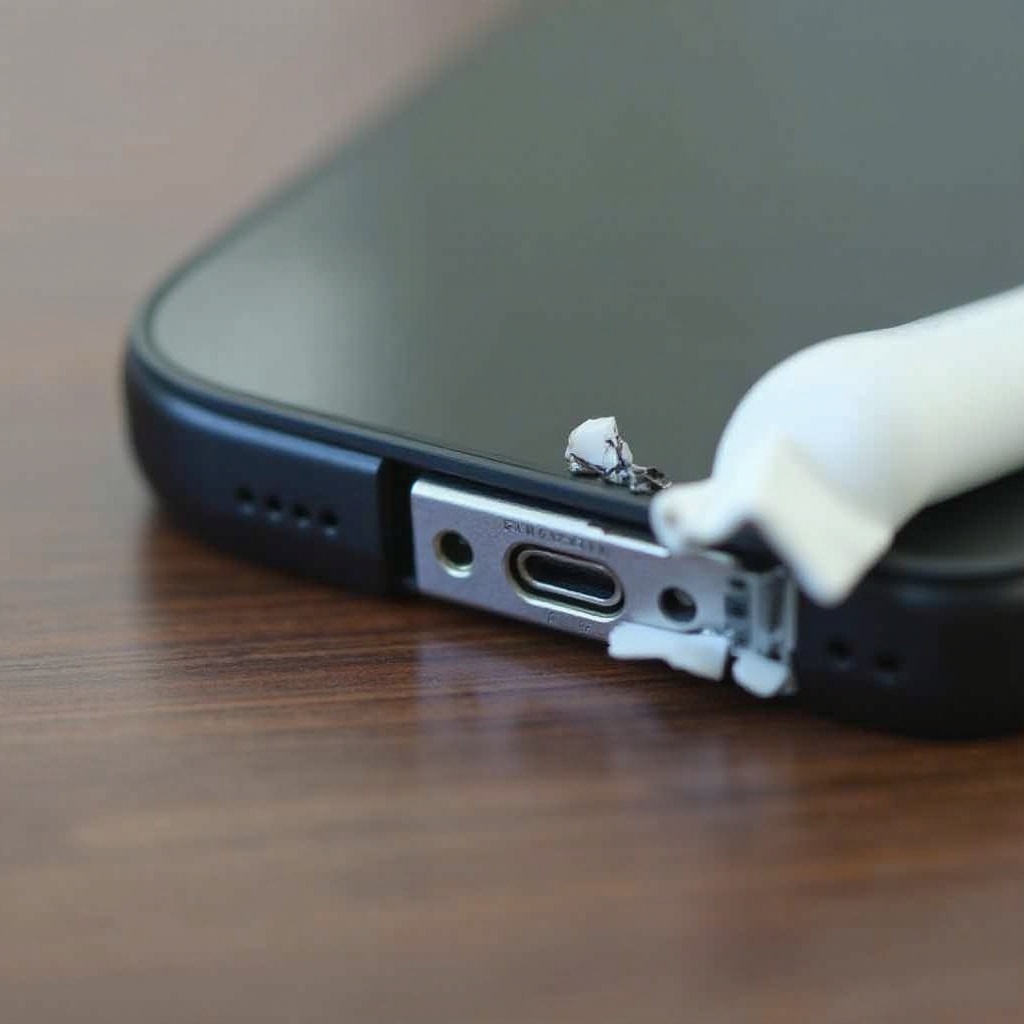
Experiencing an audio issue typically points to a faulty headphone socket. Various factors could be at play, from simple dirt accumulation to more complex internal malfunctions.
Common Causes of a Broken Headphone Socket
- Dust and debris blocking the connection.
- Regular insertion and removal leading to wear.
- Incorrect handling or cable tugging causing physical damage.
- Internal damage affecting electronic contacts.
Being aware of these causes helps you recognize potential problems early and take appropriate action.
Symptoms and Signs of Damage
When audio cuts out intermittently or static is present, it’s often due to socket issues. If moving the plug causes sound inconsistencies, that’s a strong indicator of connection problems. Visible damage like bends or cracks around the socket area might also be evident.
DIY Troubleshooting and Fixes
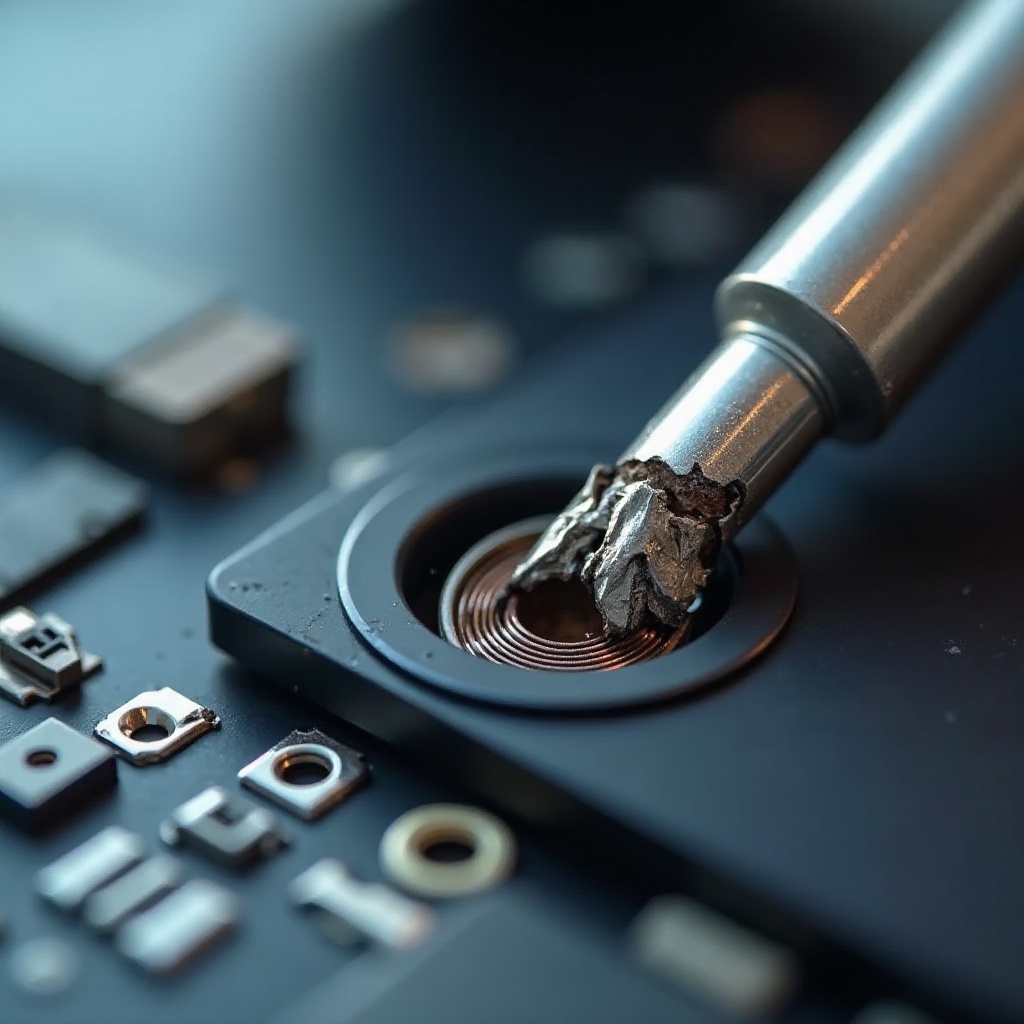
Before heading to the repair shop, trying some at-home solutions can successfully resolve minor issues without expert intervention.
Cleaning the Socket Safely
- Turn off your device to avoid short circuits.
- Use a flashlight to check for debris.
- Insert the nozzle of a compressed air canister; spray shortly to clear dust.
- Alternatively, use a wooden toothpick to gently remove debris.
A thorough cleaning can often restore connections by ensuring nothing obstructs the plug.
Checking and Fixing Loose Connections
- Inspect the headphone plug for visible damage.
- Firmly reinsert the plug to ensure a tight fit.
- If issues persist, gently wiggle the plug to check for loose connections.
- Use electrical tape for temporary firmness if the plug is loose.
Testing the plug and socket ensures that connection issues are identified and addressed efficiently.
Using External Adapters as a Temporary Solution
When immediate repairs aren’t feasible, adapters offer a simple workaround. Bluetooth adapters convert wired headphones into wireless ones, and USB-C or Lightning adapters allow the use of digital ports instead of traditional jacks.
When to Seek Professional Help
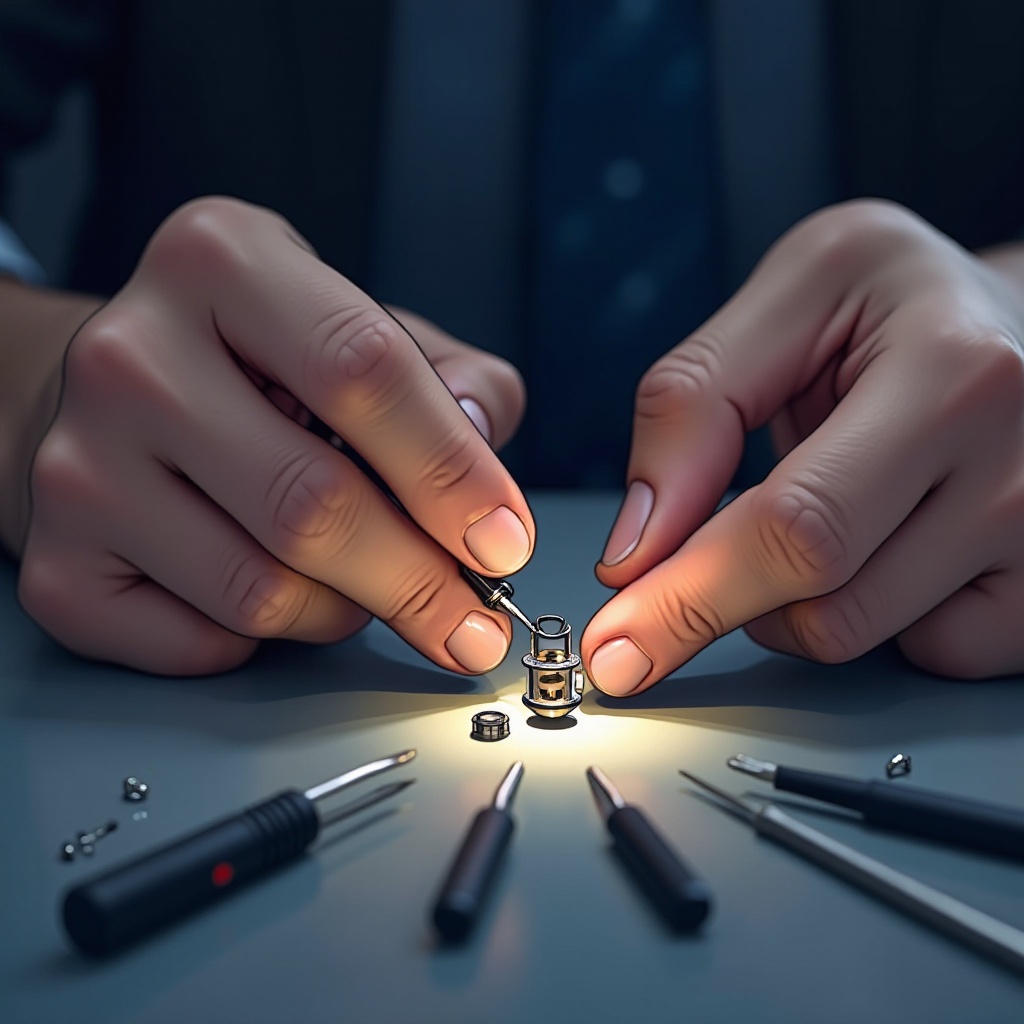
While DIY solutions are effective for minor issues, professional help might be necessary for more severe problems. Understanding when to consult an expert prevents further damage.
Signs Professional Repair is Necessary
- Persistent issues post-DIY attempts.
- Visible damage suggesting internal faults.
- Crackling noises indicating deeper issues.
- A socket that feels loose or doesn’t hold the plug properly.
How to Find a Reputable Repair Service
- Search online for certified repair services with positive ratings.
- Get recommendations from trusted acquaintances.
- Check for guarantees or warranties to ensure quality.
Choosing a reliable repair service can be more cost-effective and extends the device’s lifespan.
Preventive Measures
Ensuring the longevity of your headphone socket means adopting preventive practices to avoid common problems.
Tips for Maintaining Headphone Jack Health
- Remove headphones by holding the plug, not yanking the cable.
- Prevent excessive bending or twisting of cables.
- Store devices in safe, dry places, dust-free.
- Regularly follow cleaning steps to maintain socket health.
Proper Handling and Care
Maintaining care in the way you handle headphones and devices signifies a crucial step in keeping them functional. Proper handling practices directly relate to their longevity, ensuring extended usability.
Conclusion
By understanding what leads to headphone socket issues, you can tackle most challenges effectively. DIY fixes often suffice, but knowing when professional help is required can save your device from unnecessary damage. With proper preventive practices, you ensure your audio equipment remains robust, offering continuous, high-quality use across various applications.
Frequently Asked Questions
How can I prevent my headphone socket from breaking again?
Regular maintenance, such as cleaning and careful usage, can prevent repeat issues. Always remove the plug by the hard part, avoid yanking the cable, and store your devices properly.
Is it worth repairing a broken headphone socket, or should I buy new headphones?
It depends on the damage severity and cost of repair versus replacement. Minor issues can be fixed inexpensively, while severe damage might require new headphones.
Are Bluetooth adapters a good long-term solution for a broken headphone socket?
Bluetooth adapters offer a practical long-term solution, particularly if repairs aren’t viable. They turn wired headphones wireless, adding flexibility and durability.