
How to Find and Use Heart Rate Zones on Your Apple Watch
Introduction
Apple Watch offers comprehensive fitness tracking capabilities that can significantly enhance your workouts. Among its standout features is the ability to monitor heart rate zones, a critical aspect for anyone serious about optimizing their exercise routine. By understanding and applying heart rate zones, you can improve workout efficiency, minimize the risk of overexertion, and meet fitness goals more effectively. Whether you are striving to boost your athletic performance or maintain a healthy lifestyle, knowing how to utilize heart rate zones on your Apple Watch can be a game-changer.
Understanding Heart Rate Zones
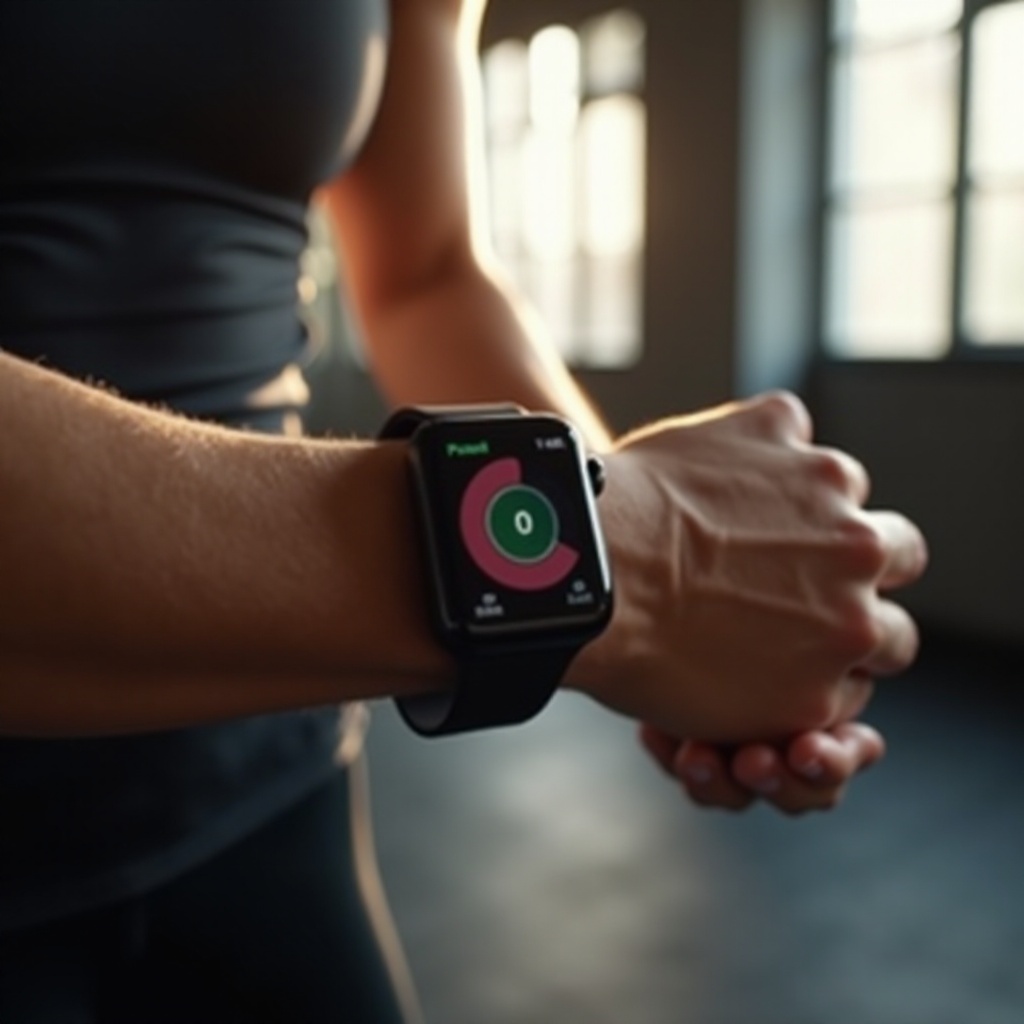
Heart rate zones are percentage ranges that reflect the intensity levels of your heart during exercise, typically divided into five distinct zones:
- Zone 1 (Very Light): 50-60% of your maximum heart rate—ideal for warm-ups and cool-downs.
- Zone 2 (Light): 60-70%—great for building endurance and burning fat.
- Zone 3 (Moderate): 70-80%—useful for improving overall aerobic fitness.
- Zone 4 (Hard): 80-90%—effective for boosting performance and speed.
- Zone 5 (Maximum): 90-100%—targeted in short, high-intensity bursts.
Understanding these zones helps in tailoring workouts to meet specific health and fitness goals. This foundational knowledge sets the stage for applying practical strategies using the Apple Watch.
Setting Up Heart Rate Zones on Apple Watch
To track your heart rate zones using the Apple Watch, it is essential first to configure the settings correctly:
- Open the Health App on your iPhone.
- Navigate to ‘Heart’, then tap ‘Heart Rate’.
- Manually input your age to estimate your maximum heart rate by subtracting it from 220.
- Set your heart rate zones based on this calculation, or customize them to better fit your personal fitness level.
By aligning these settings with your unique profile, you enable your Apple Watch to provide precise and helpful feedback during workouts.
Using the Apple Watch to Monitor Heart Rate Zones
Once configured, you can effectively use your Apple Watch to monitor your heart rate zones:
- Open the Workout app on your Apple Watch to start a session.
- View real-time heart rate data displaying your current zone, which updates as your training intensity changes.
- You can enable alerts to notify you when shifting into a different zone, keeping your workouts aligned with your goals.
This level of real-time monitoring ensures you maintain the correct intensity, enhancing both safety and efficacy in your training.
Tips for Effective Heart Rate Zone Training
Maximize the benefits of heart rate zone training with these expert tips:
- Gradually increase your workout intensity to smoothly transition through heart rate zones.
- Alternate exercises targeting different zones to develop strength and endurance comprehensively.
- Prioritize hydration and rest; inadequate hydration and sleep can significantly skew heart rate readings.
Incorporating these strategies not only optimizes workout results but also makes heart-rate-based training a sustainable practice.
Integration with Other Health Apps
Apple Watch also excels in integrating with various health applications, offering deeper insights and broader data:
- Sync the Watch with apps like Strava or MyFitnessPal to access additional analytics.
- Aggregate data from multiple sources for a nuanced view of your health and fitness progress.
Utilizing these integrations transforms the Apple Watch into an even more powerful fitness tool, supporting diverse health management strategies.
Conclusion
Embracing heart rate zone tracking on your Apple Watch opens up new levels of customization in your fitness routine. With proper setup and usage, you gain access to invaluable data that optimizes training efficiency and results. Through continuous monitoring and adjustment, you set a solid foundation for achieving personal health and fitness milestones more effectively.
Frequently Asked Questions
How accurate is the Apple Watch for heart rate monitoring?
The Apple Watch is highly accurate for heart rate monitoring due to its advanced sensors, though variations may occur depending on watch fit and activity.
Can I customize my heart rate zones on the Apple Watch?
Yes, you can customize your heart rate zones in the Health app on your iPhone, tailoring them to your personal fitness needs.
What are some recommended third-party apps for tracking heart rate zones?
Recommended apps include Strava for detailed endurance analytics, MyFitnessPal for comprehensive activity and nutrition tracking, and Nike Training Club for guided workouts.