
How to Clean Nintendo Switch Screen: A Comprehensive Guide
Introduction
The Nintendo Switch has revolutionized gaming with its versatility and convenience. However, a clean screen is crucial for ensuring an immersive gaming experience. With fingerprints, smudges, and dust accumulating over time, regular screen cleaning helps maintain both the visual integrity and the longevity of your device. This guide offers step-by-step instructions on how to clean your Nintendo Switch screen safely and effectively.
Understanding the Importance of a Clean Screen
Keeping your Nintendo Switch screen clean is paramount for several reasons. A clean screen offers unimpeded visuals and protects against micro-scratches that can occur from dust and debris. Over time, dirt particles can grind on the screen, compromising its surface quality. Additionally, a screen free from bacteria contributes to the cleanliness and health of your gaming environment. Knowing why cleanliness is important leads us to gather the appropriate cleaning materials.
Essential Supplies for Safe Cleaning
Before starting the cleaning process, ensure you have the right supplies to avoid damaging your screen. Effective cleaning begins with the right tools:
- Microfiber Cloths: Essential for absorbing oils without scratching.
- Distilled Water: Free from minerals that can deposit on the screen.
- Mild Soap: Useful for breaking down oils and stubborn smudges.
- Spray Bottle: Allows for controlled application of the cleaning solution.
Avoid These Items:
– Paper Towels: Can leave fibers and cause scratches.
– Harsh Chemicals: Cleaners containing alcohol or ammonia may degrade the screen coating.
With these supplies in hand, you’re ready to follow the cleaning process that ensures thorough care without risk of harm.
Step-by-Step Cleaning Process
Cleaning your Nintendo Switch screen can be simple and risk-free when you know exactly what to do:
- Turn Off Your Device: This prevents unintentional inputs and ensures safety.
- Remove Attachments: Detach all controllers and any cases to fully access the screen area.
- Mix Cleaning Solution: Combine distilled water with a tiny amount of mild soap in a spray bottle.
- Application: Lightly mist a microfiber cloth with the solution, avoiding direct contact with the screen.
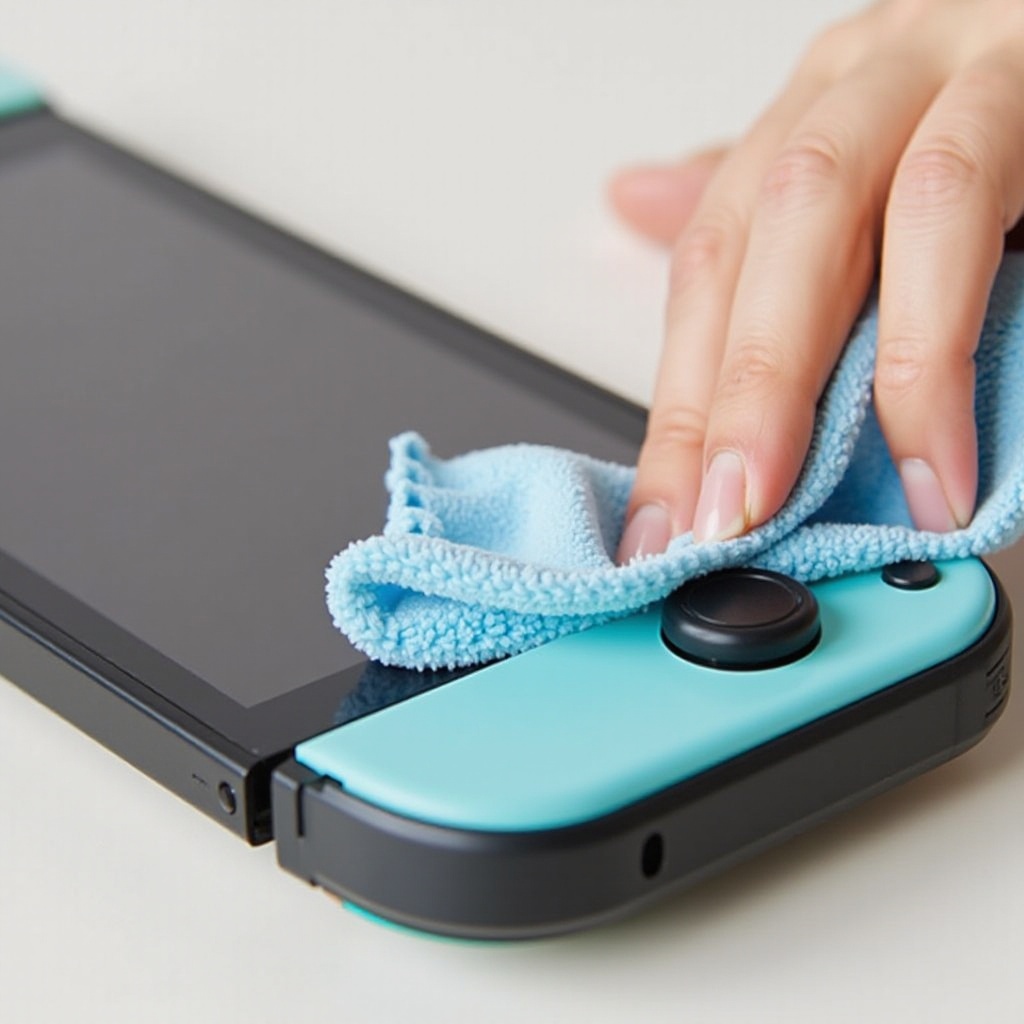
- Wipe the Screen: Gently clean with circular motions, lifting away any smudges and dirt.
- Dry and Polish: Use a dry microfiber cloth to remove any additional moisture, ensuring a clear, streak-free finish.
By adhering to these steps, your screen will be clean and ready for your next gaming session. In the next section, we’ll highlight common mistakes to avoid during this routine.
Common Mistakes to Avoid
When cleaning your Nintendo Switch screen, it’s easy to make mistakes that could inadvertently harm it. Avoiding these common pitfalls helps protect your device:
- Using Abrasive Materials: Opt for microfiber over any rough fabrics.
- Applying Excessive Pressure: Gentle wiping is sufficient to prevent any screen damage.
- Over-saturating the Cloth: The solution should dampen but not soak the cloth.
Careful avoidance of these errors helps maintain the screen’s integrity. Let’s move on to some advanced tips for keeping the screen flawless longer.
Pro Tips for Maintaining Screen Cleanliness
A few straightforward habits can significantly reduce the frequency and intensity of cleanings:
- Regular Maintenance: Frequent light cleaning prevents buildup of grime and dirt.
- Screen Protectors: This add-on not only shields the screen from scratches but also eases cleaning routines.
- Proper Storage: Store your Switch in a clean, dust-free environment when not in use.
Implementing these practices will aid in prolonging the device’s life and enhancing its performance. Now, let’s wrap up with a summary.
Conclusion
Cleaning your Nintendo Switch screen is a crucial step in device care and maintenance. With the right supplies and techniques as outlined in this guide, you’ll ensure a pristine screen that keeps your gaming experiences immersive and your device in excellent condition. Regular maintenance is a small effort for significant rewards, keeping both your gameplay and device health in peak condition.
Frequently Asked Questions
How often should I clean my Nintendo Switch screen?
Clean your screen weekly or whenever it becomes visibly dirty to ensure optimal viewing quality.
Can I use alcohol-based cleaners?
No, avoid alcohol-based cleaners as they can damage the screen’s protective coating. Stick to distilled water and mild soap.
What to do if my screen gets scratched during cleaning?
Apply a screen protector to mask minor scratches and consider professional repair for severe ones to restore clarity.